
02 Jun Cyber Essentials Changes: What Businesses Need to Know About Microsoft Account Security
Cyber Essentials remains one of the UK’s most widely recognised cybersecurity certifications, helping organisations demonstrate that they take security seriously.
Recent updates to the Cyber Essentials requirements place greater emphasis on identity security, particularly around Microsoft accounts and Microsoft 365 environments.
For many businesses, this means taking a fresh look at how user accounts are protected.
Why the Change?
Cybercriminals are increasingly targeting user accounts rather than devices.
We see this regularly. When an account is compromised, the impact can be significant because one login often provides access to multiple business systems.
If an attacker gains access to a Microsoft account, they may also gain access to:
- OneDrive files
- SharePoint data
- Microsoft Teams conversations
- Business applications
Protecting user identities has become just as important as protecting computers and servers.
Key Areas of Focus
The updated Cyber Essentials requirements place particular emphasis on the following areas.
Multi-Factor Authentication (MFA)
We’ll say it loud and proud – we love MFA.
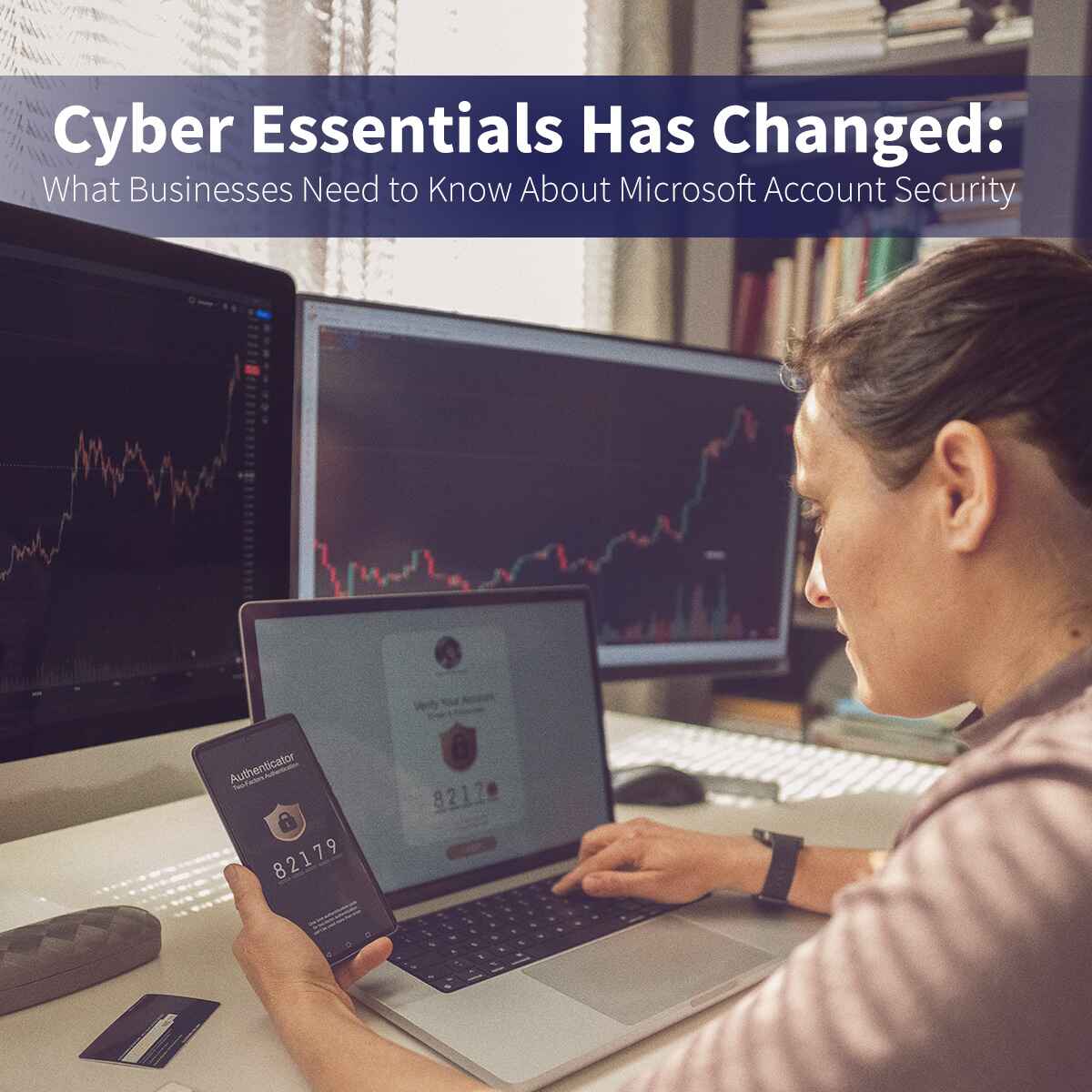
Multi-Factor Authentication adds an extra layer of protection by requiring users to verify their identity using something additional, such as an authenticator app.
Even if a password is compromised, MFA can dramatically reduce the risk of unauthorised access.
For most businesses, MFA is one of the simplest and most effective security measures available.
Administrator Accounts
Or, as we like to think of them, “the great and powerful behind the curtain.”
Administrative accounts should be carefully controlled and limited to those who genuinely need them.
Users should only have administrator permissions when absolutely necessary, and privileged accounts should be protected with stronger security controls than standard user accounts.
The fewer admin accounts you have, the smaller your potential attack surface becomes.
Access Management
Think of it as the door security at a 90s nightclub.
Not everyone needs access to every room.
Organisations should regularly review who has access to systems, applications and business data.
Removing unnecessary permissions helps reduce risk, improves security and supports compliance requirements.
What Businesses Should Do Now
Don’t put this off until next week.
If your business uses Microsoft 365, now is a good time to review:
- MFA coverage across all users
- Administrator account security
- User access permissions
- Legacy accounts that may no longer be required
- Shared mailbox permissions
- External user access and guest accounts
Many organisations already meet most of these requirements but haven’t formally reviewed their settings for some time.
A quick review today could prevent a much bigger headache later.
Don’t Panic – Take Action
Cyber Essentials isn’t about adding complexity.
It’s about implementing sensible security measures that reduce risk and improve resilience.
The latest updates reflect the reality that user identities have become one of the most common targets for attackers.
Taking a proactive approach now provides peace of mind and helps ensure your business remains secure, compliant and protected.
How WTS Systems Can Help
Whether you’re working towards Cyber Essentials certification or simply want to improve your Microsoft 365 security, WTS Systems can help.
We can review your current setup, identify potential gaps and help implement practical security improvements that protect your business without disrupting day-to-day operations.
Need Help?
If you’d like assistance reviewing your Microsoft 365 security settings or preparing for Cyber Essentials certification, get in touch with the WTS Systems team today.